Simply Better Online Time Tools
Online Digital Clock & Alarm, Stopwatch, Pomodoro, Countdown Timer and more…
A comprehensive suite of time tools to help you stay organized, productive, and in control of your schedule
Choose Your Tool
Powerful smart tools, all in one place. Click any tool to get started.
World Clock
World Digital and Analog clocks with multiple time zones support
Flip Clock
A realistic mechanical flip clock with multiple themes
Alarm Clock
Set multiple alarms with custom sounds and labels
Timer
Countdown timer for tracking your tasks and activities
Stopwatch
Precise stopwatch with lap times and split intervals
Pomodoro Timer
Productivity timer using the Pomodoro Technique
Countdown Timer
Count down to important events and special dates
Calculators
Make it easy to calculate everyday time-related values
Time Zone Converter
Compare time between cities, plan international meetings
IANA Time Zones
Browse current local times for all supported IANA time zone
Public Holidays
Find public holidays by country and year, view holiday dates
Widgets
Add customizable time tools to your website
More Than Just a Clock App
Customize every clock to match your style and use it as a fullscreen desktop display, office clock, classroom timer, or information screen.
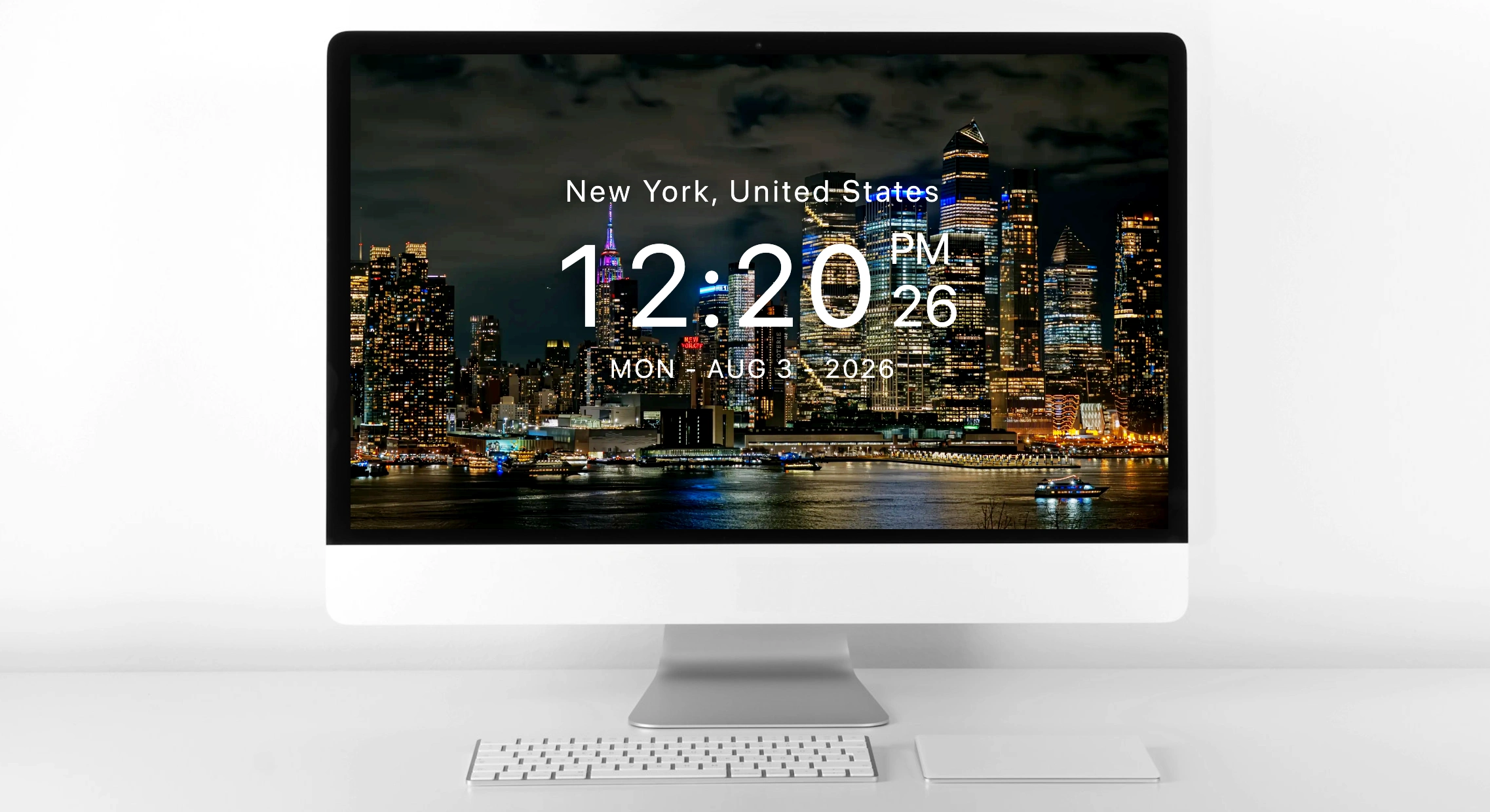
Perfect as a Desktop Wallpaper Clock
Transform any monitor into a beautiful always-on clock. Upload your own background photos, customize fonts, then switch to fullscreen mode.
- Wake Lock support keeps the display active in fullscreen mode.
- Custom wallpapers and background images for a personal touch
- Multiple clock styles and layouts to suit your taste
- Upload your own photos for a unique and personal display
Personalized Alarm Clock Interface
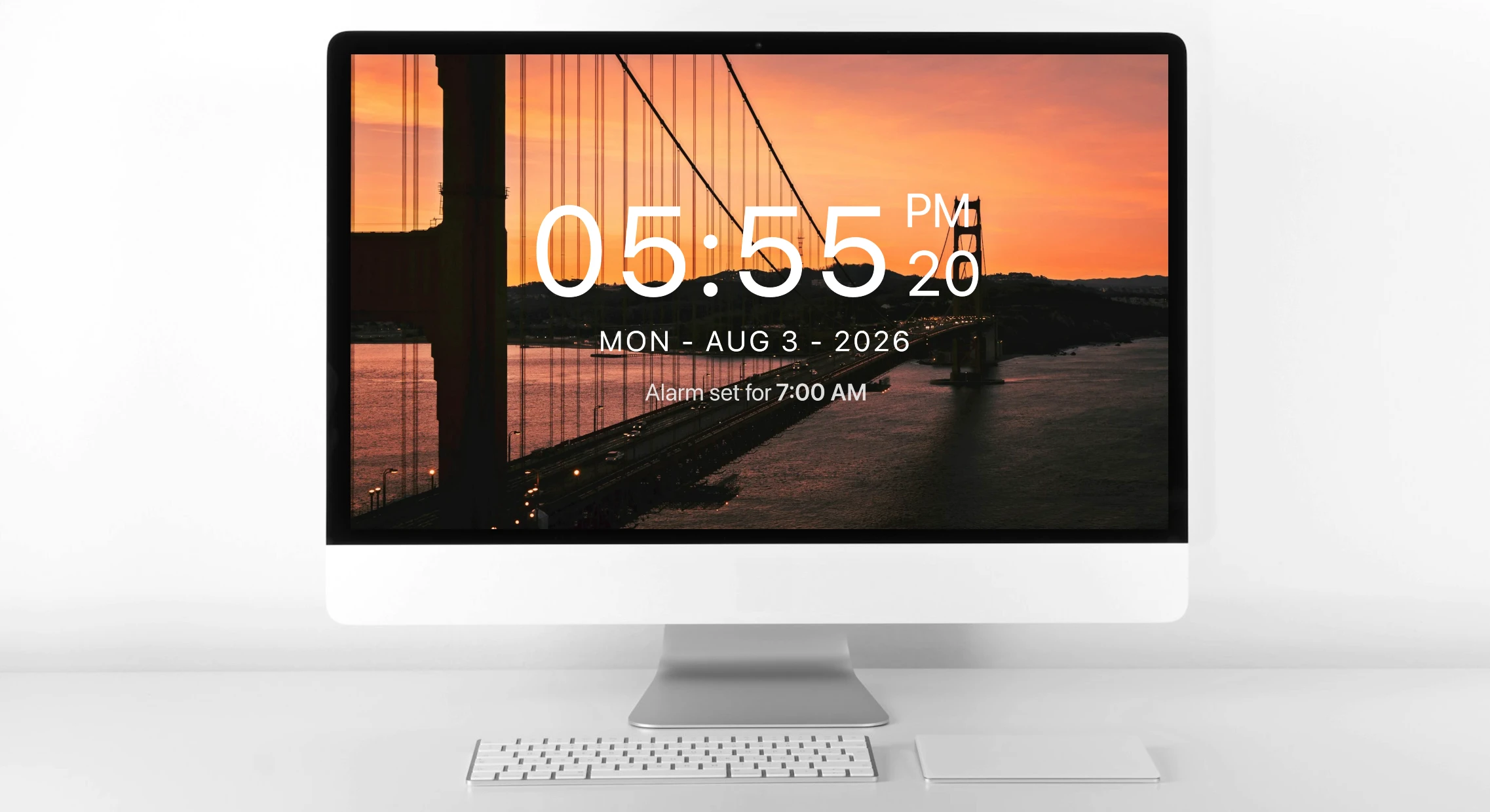
Your alarm clock should work your way. Customize every component to match your style. Wake Lock support keeps the display active, making it perfect for offices, reception desks, classrooms, and wall-mounted displays.
- Upload your own custom ringtone files
- Set multiple alarms for different times
- Choose display themes for night or daylight use
- You can toggle the visibility of seconds, day of the week, month, and year
Why Choose Online Clock Tools?
Designed with you in mind, packed with features that make time management effortless.
Highly Customizable
Personalize every tool with custom fonts, colors, backgrounds, and themes to match your style.
Lightning Fast
Built with modern web technologies for instant load times and smooth performance.
Privacy First
All your settings and data are stored locally. We never collect or share your information.
User Friendly
Intuitive interface designed for everyone, from students to professionals.
Works Everywhere
Access from any device with a modern web browser. No installation required.
Mobile Optimized
Fully responsive design that works perfectly on phones, tablets, and desktops.
How It Works
Get started in three simple steps
Choose Your Tool
Select from our collection of time management tools below.
Customize Settings
Adjust colors, background images, fonts, and preferences to your liking.
Start Using
Your settings are saved automatically for next time.
Your questions, answered
Everything you need to know about Smart Clock Tools